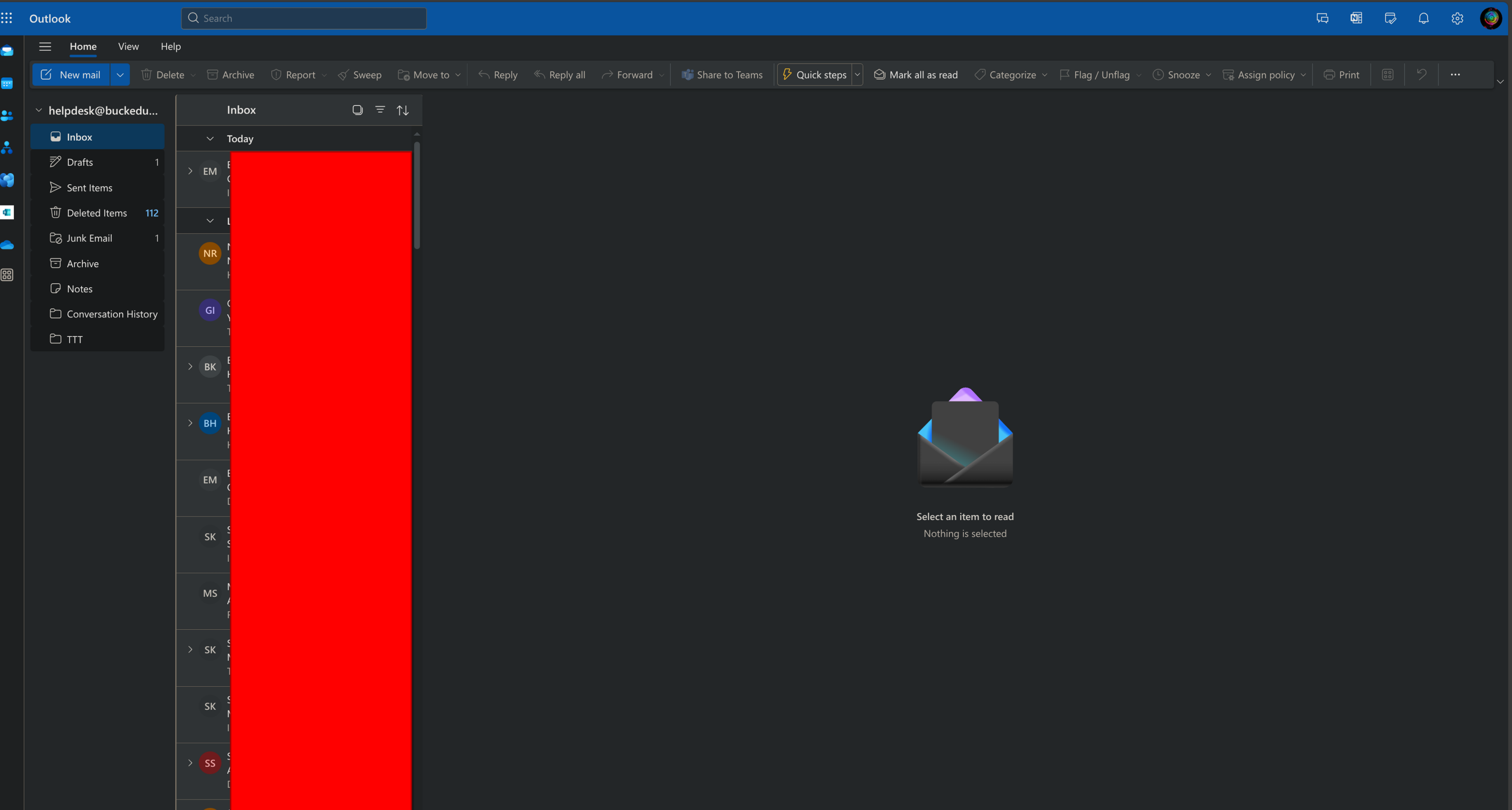
How to Access a shared Mailbox Outlook Online
it.- This
is writtenallows for multiple people to work out of a unified inbox rather than forwarding emails to everyone.Outlook Browser
- Go to https://outlook.office.
comcom/mail/ - Click the
same3 dots next to your email address
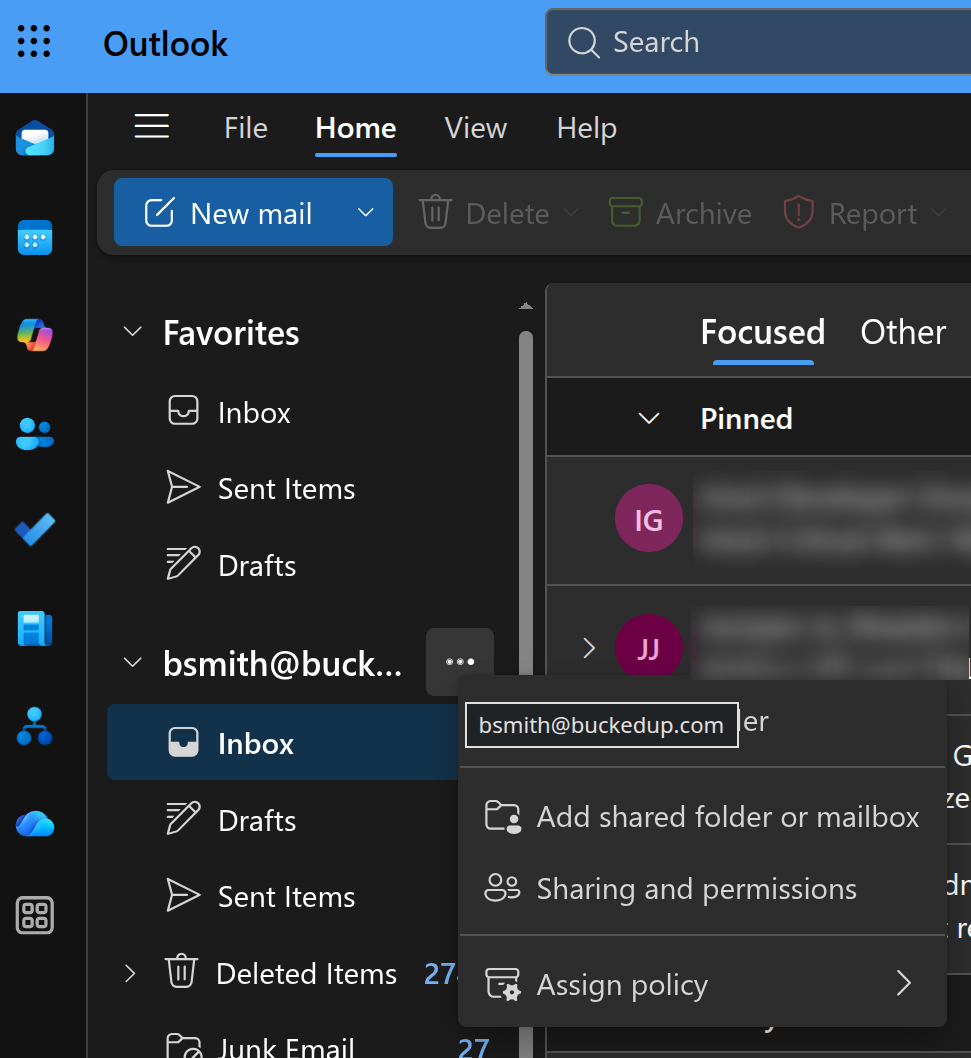
steps are similar for outlook for desktop but they'renot - Go to https://outlook.office.
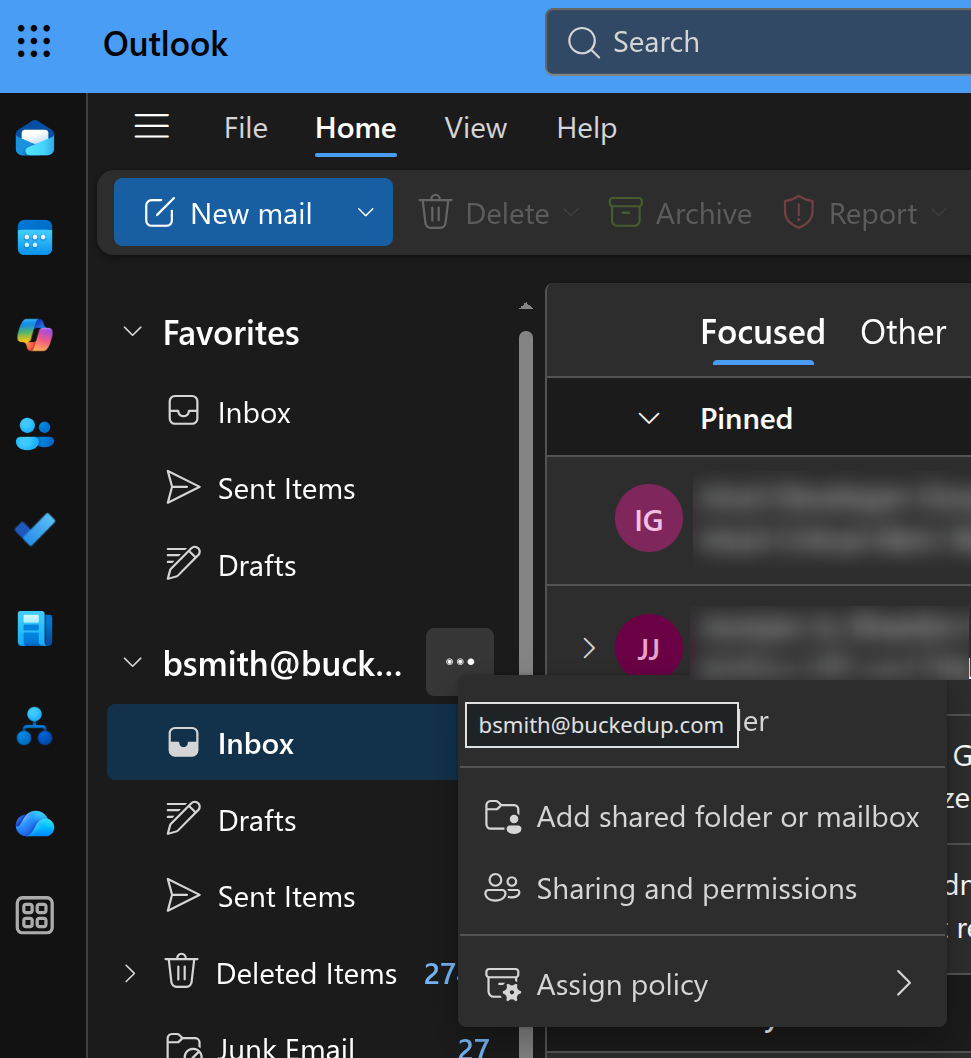
GettingAdd Started
- folder
goorto outlook.office.comshould show similarly to the image shown belowmailbox
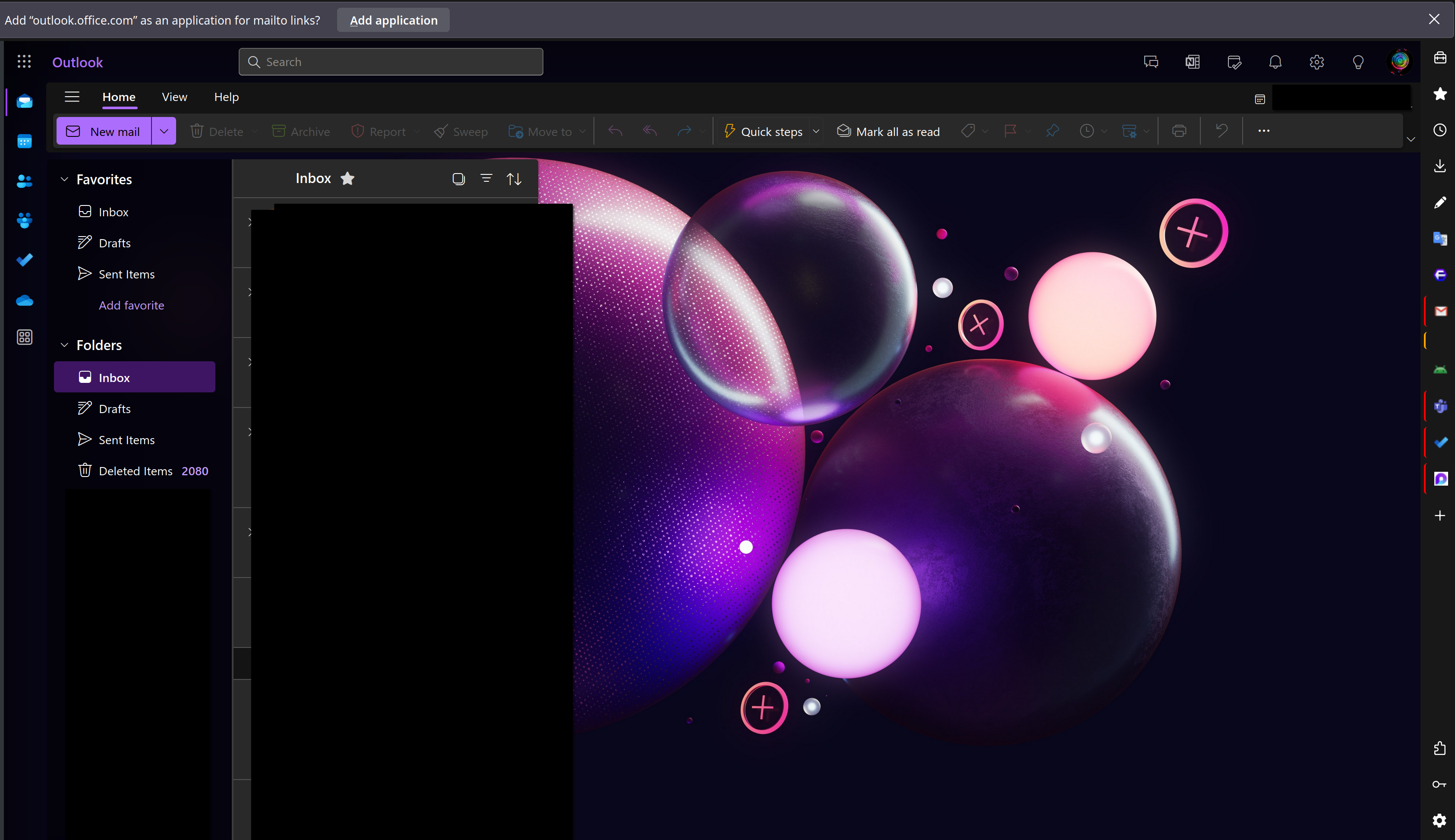
- In the
upperpopup,rightstartcorner click on the User icon 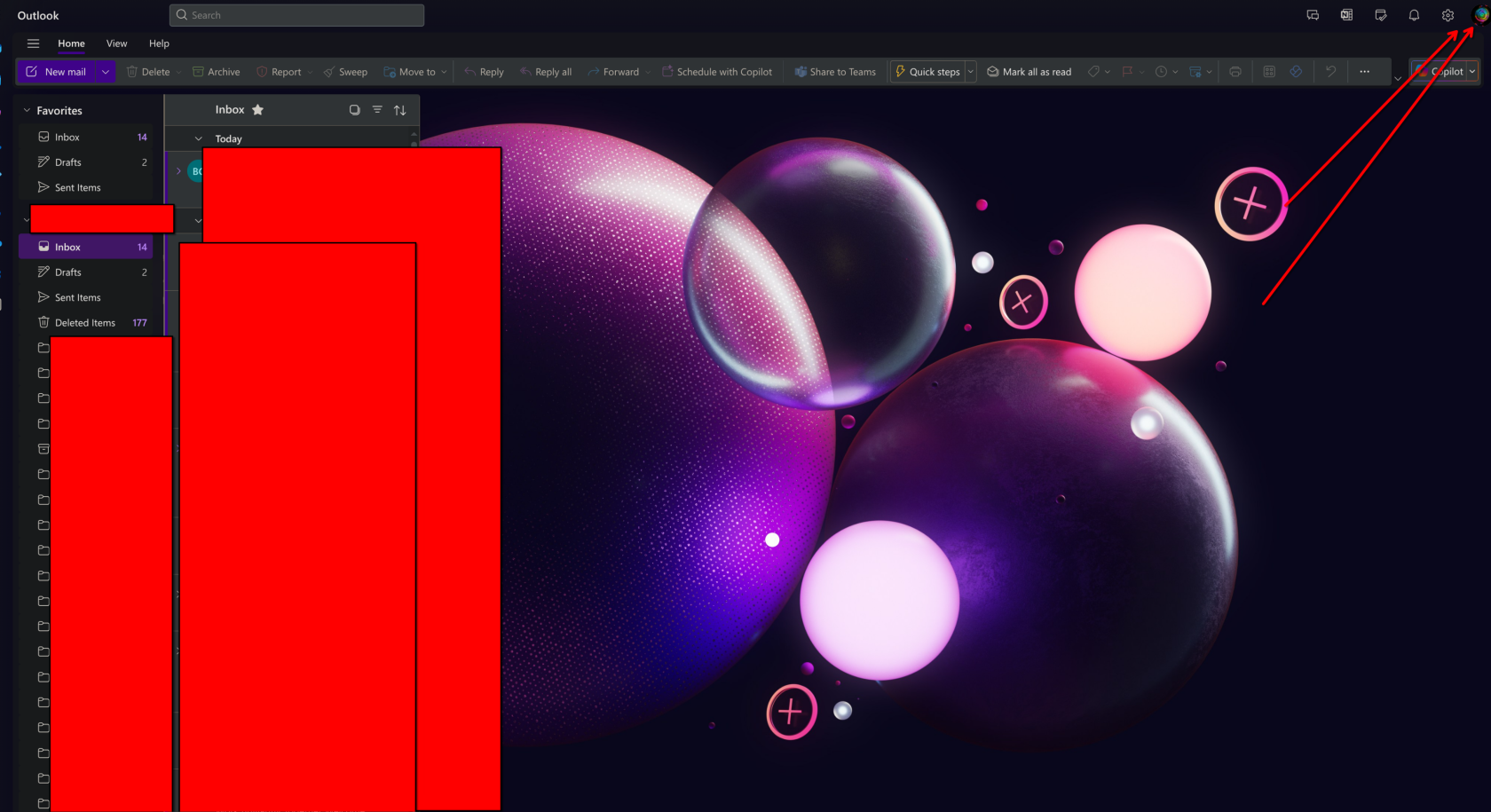
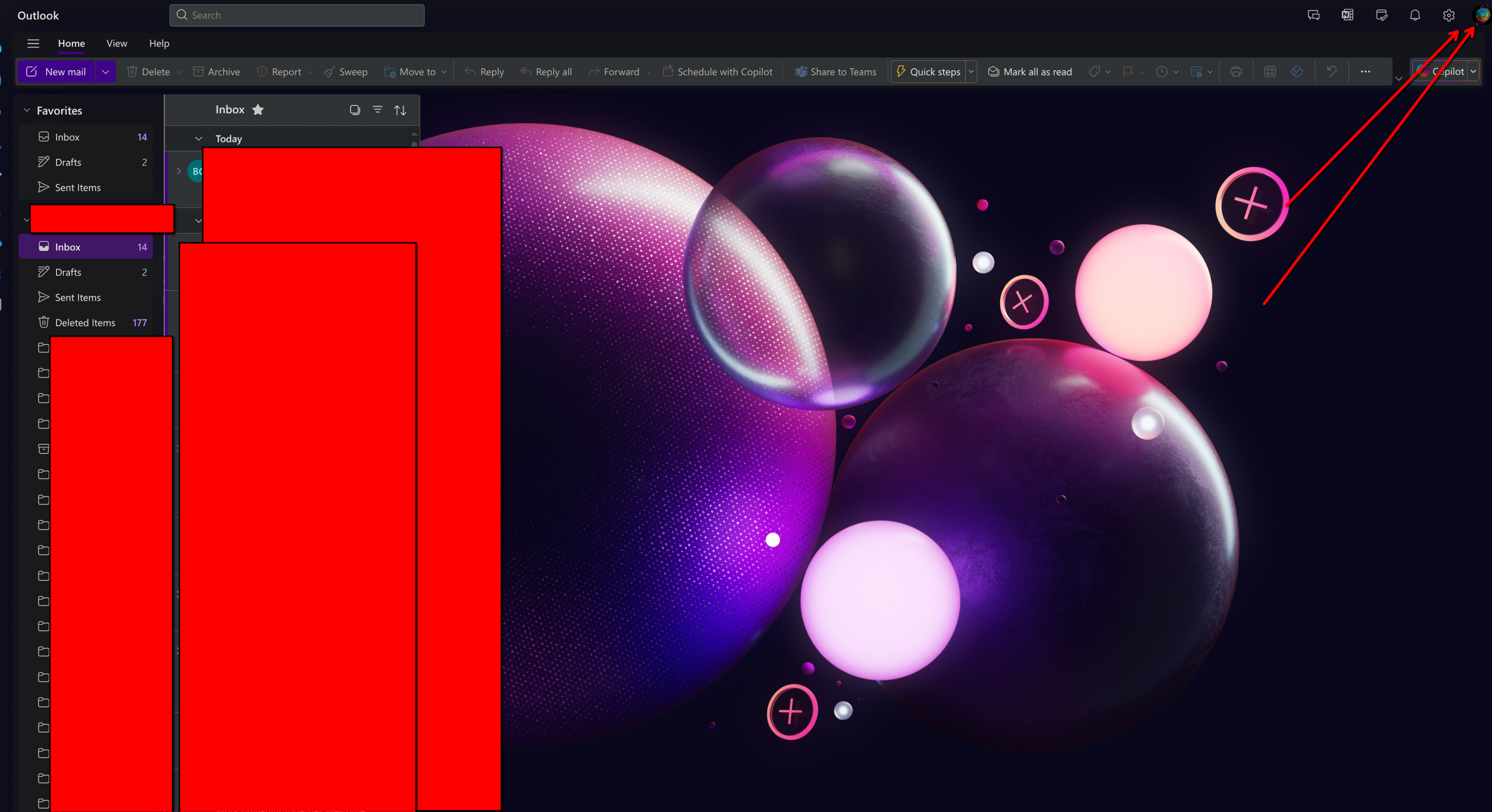
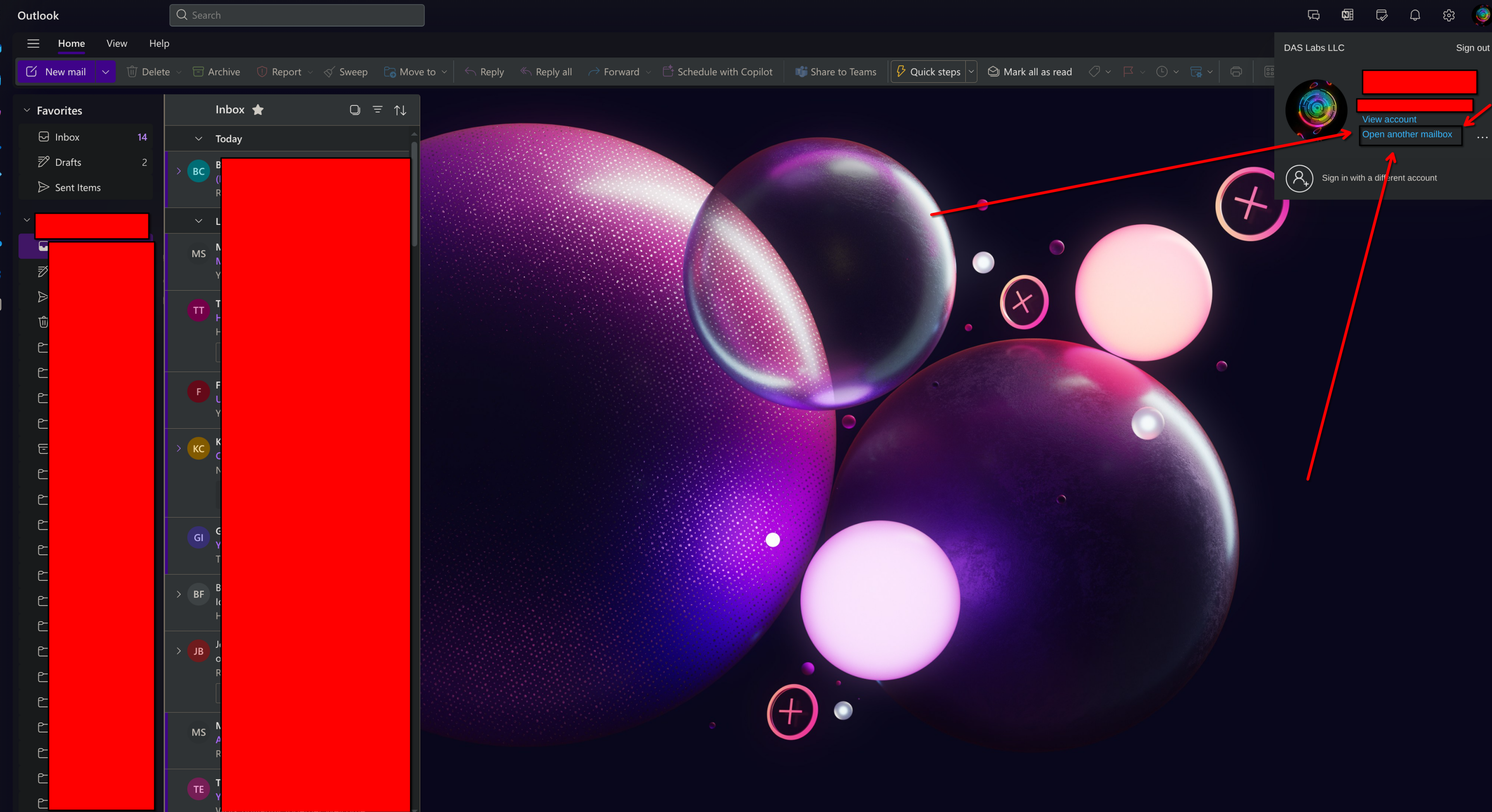
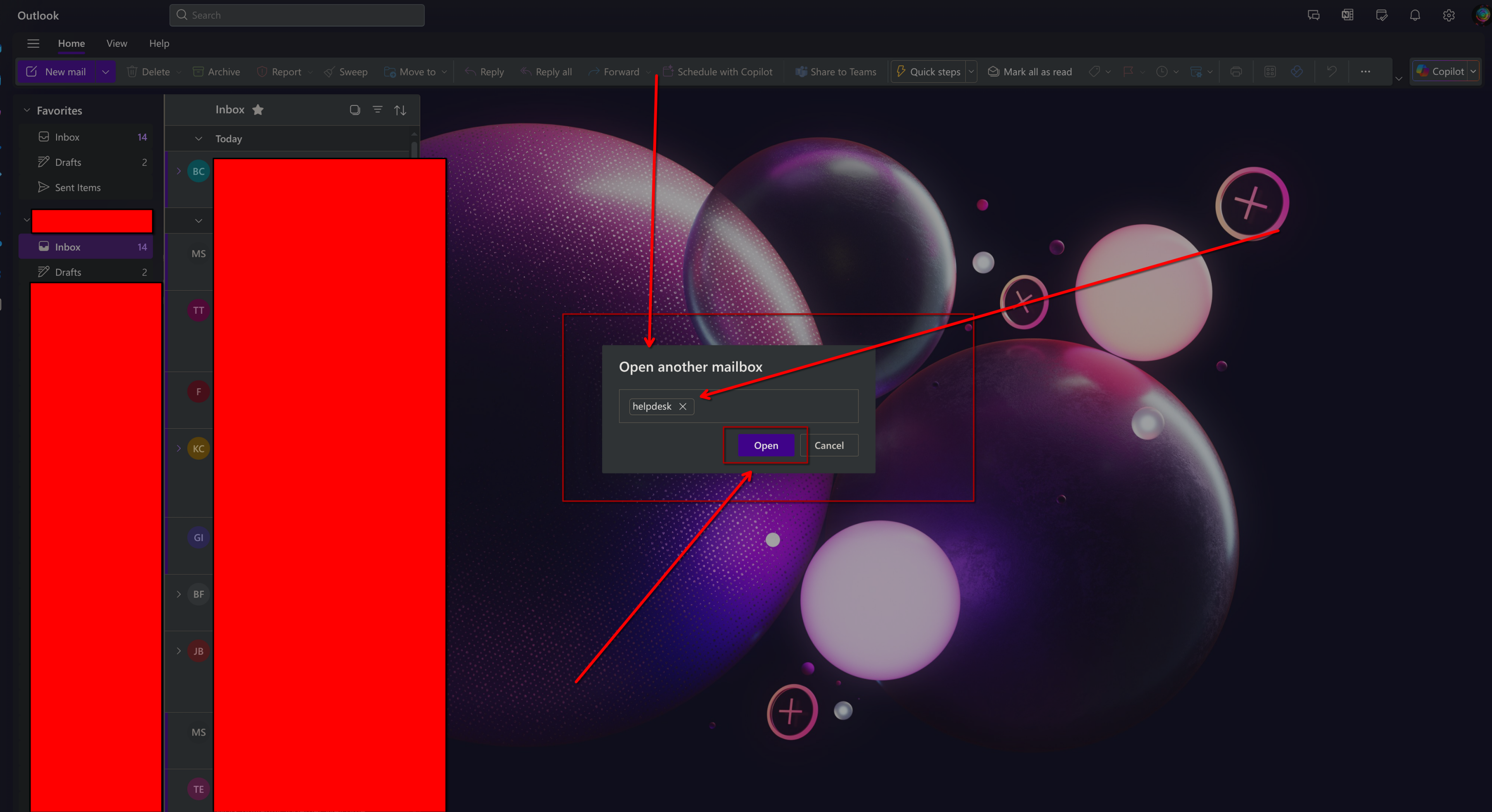
From There a window will opentyping in the upper right, Go ahead and click on the Open another Mailbox link as shown below
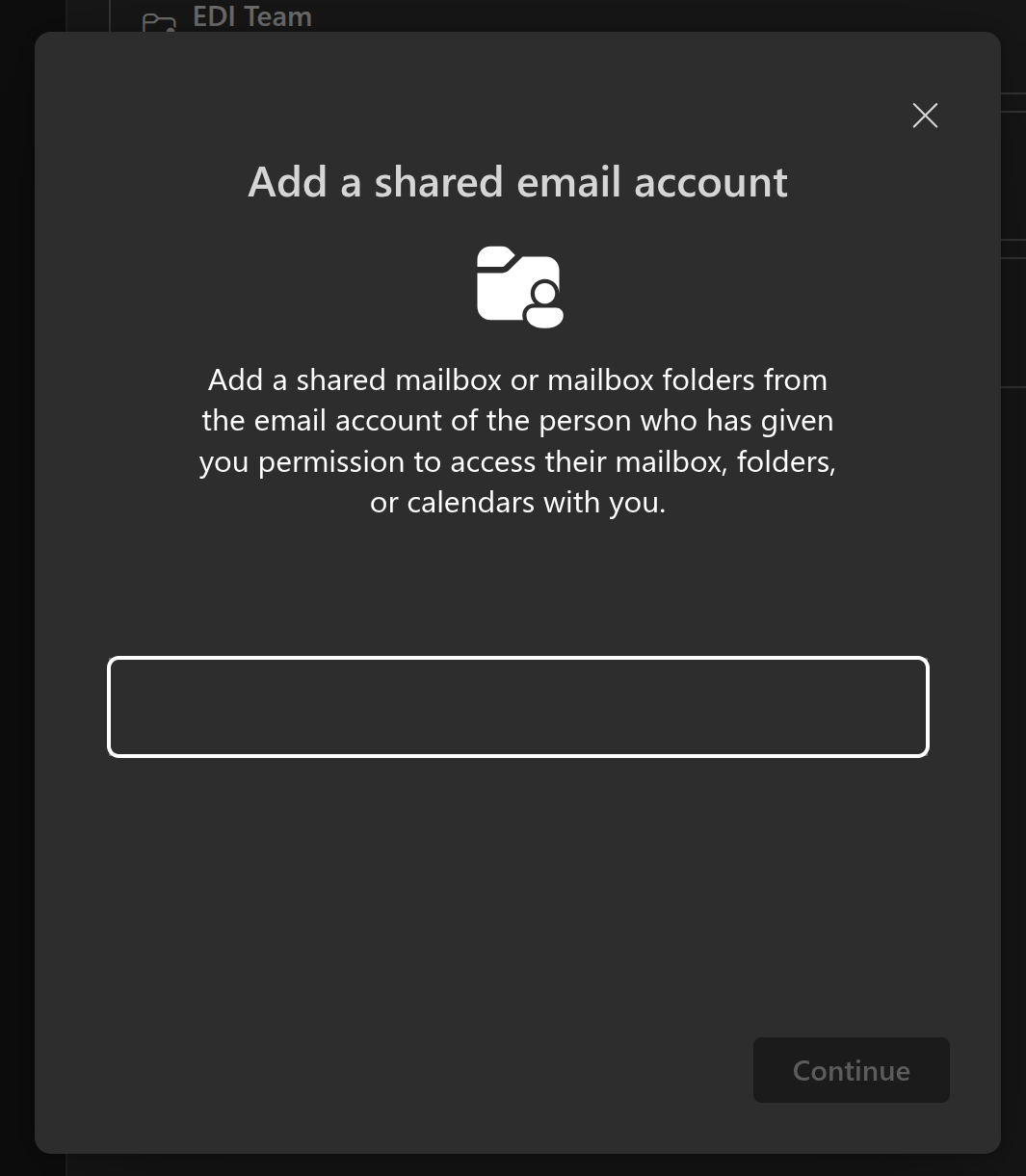
a window will pop up, Enter in the full email address of the shared mailbox you're trying to open.
Once
Outlook Desktop
The Outlook desktop app has similar steps as the above.
Outlook
AMobile
new
- Click your icon in the top-left.
- Click the + button below your user icon.
- Tap Add a shared mailbox
- Type in the email address.
- Click Continue.
- It will
opennowsimilarshowtouptheasoneashownmailboxbelow,belowYouyourwillmainhaveuserfullicon.