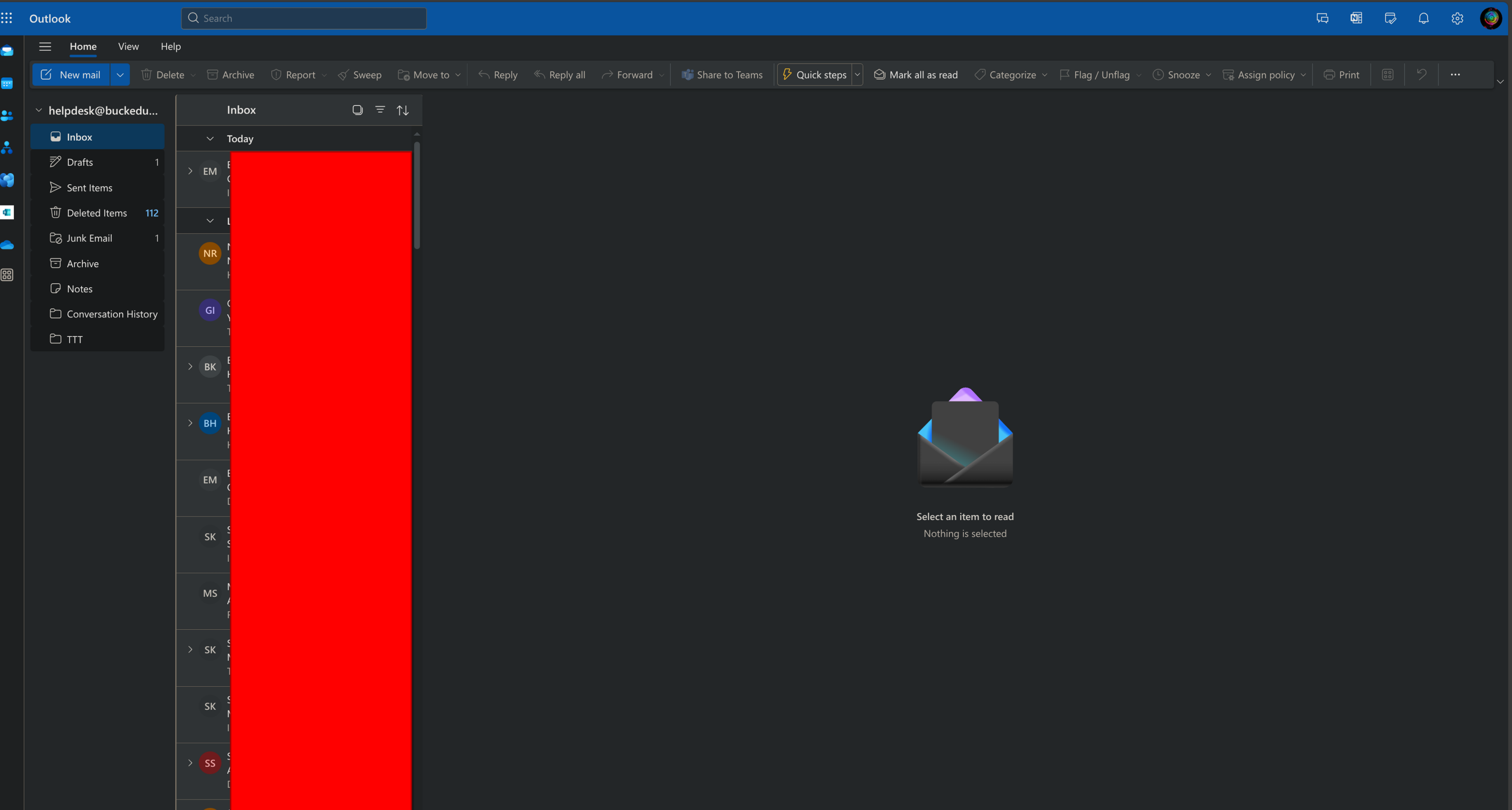
How to Access a shared Mailbox Outlook Online
Things to Know
- This is written for outlook.office.com steps are similar for outlook for desktop but they're
not the same This is written for outlook.office.com steps are similar for outlook for desktop but they'renot the same
Getting Started
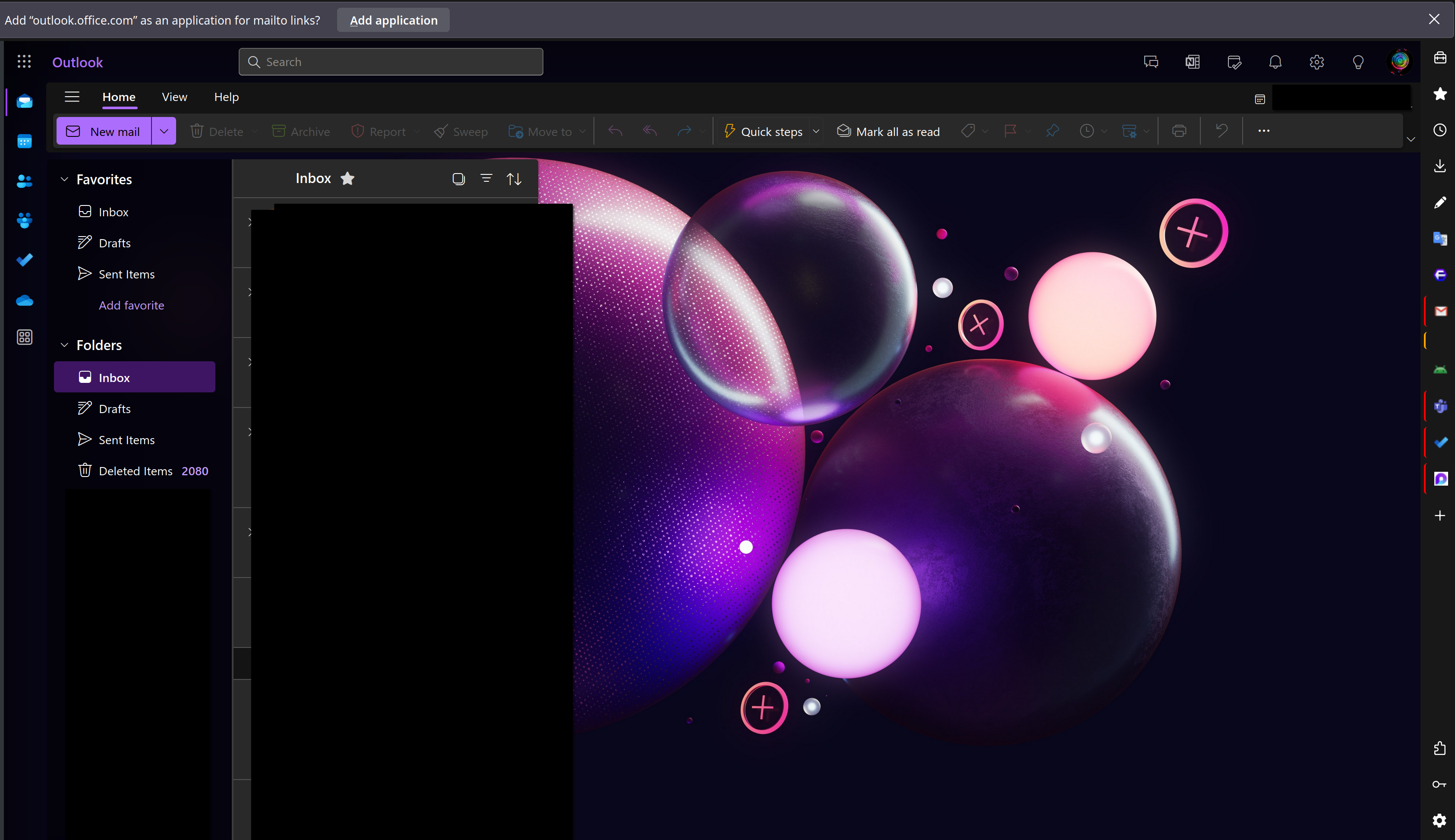
- go to outlook.office.com
should show similarly to the image shown below
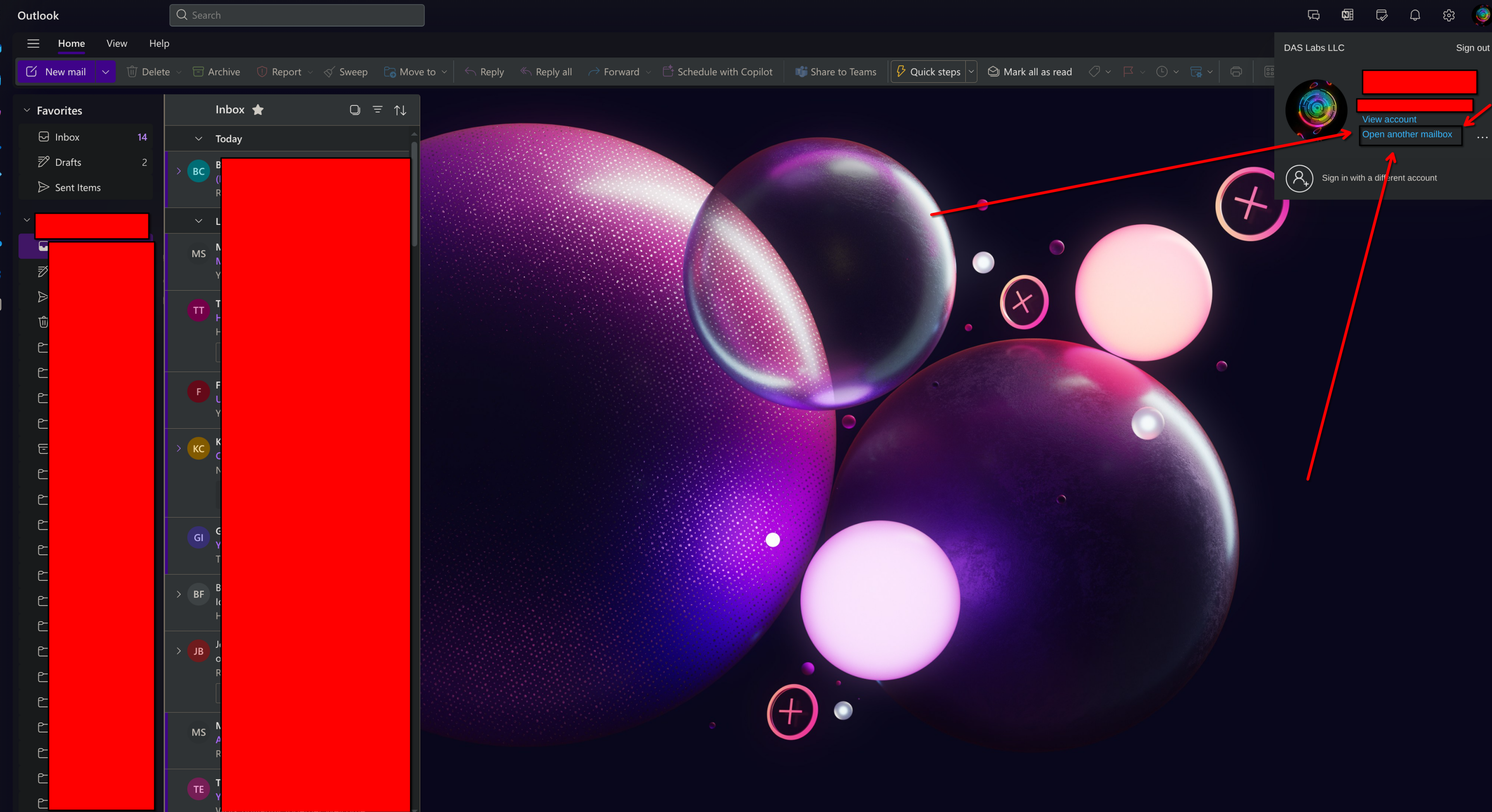
- In the upper right corner click on the User icon
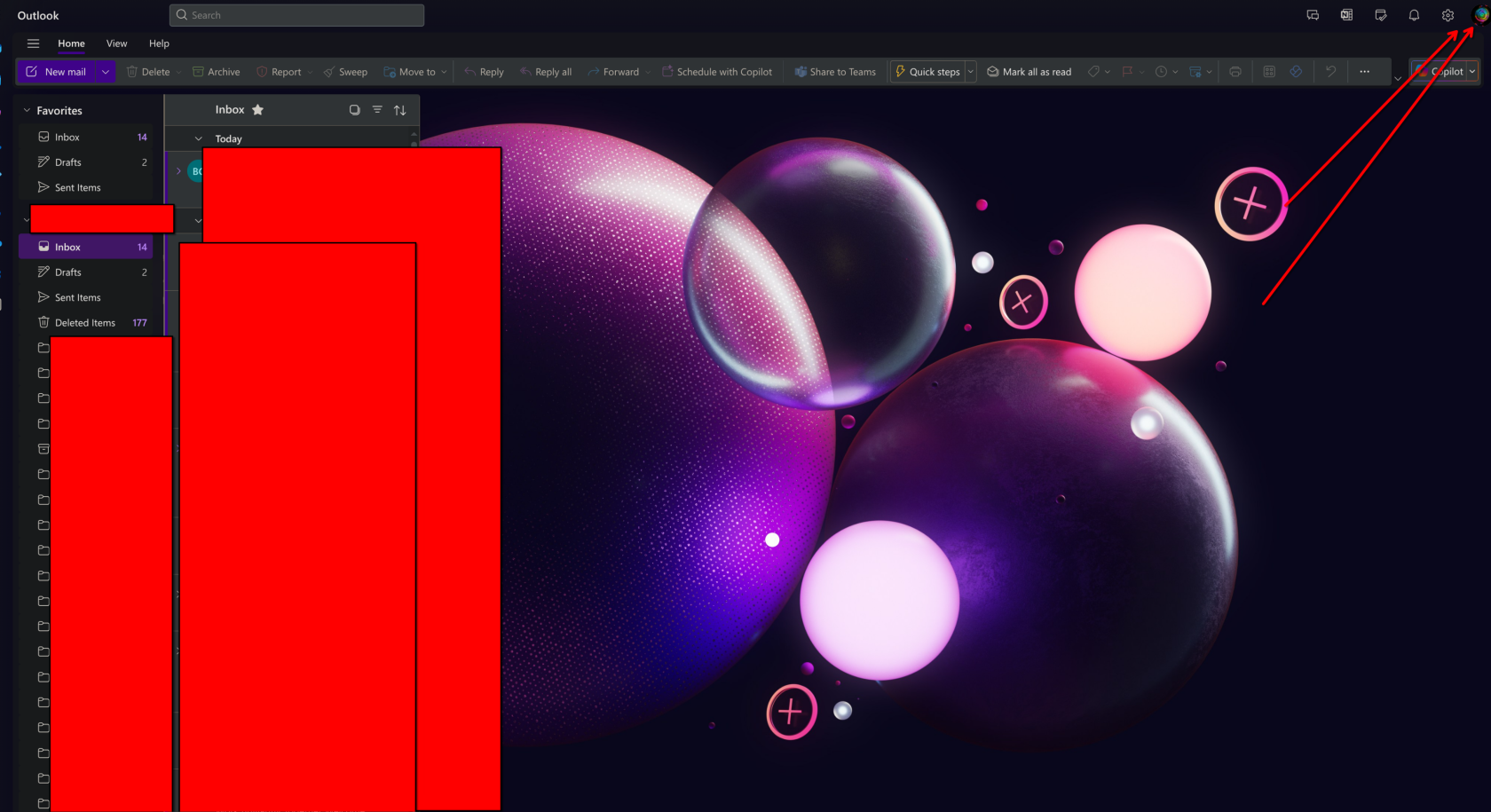
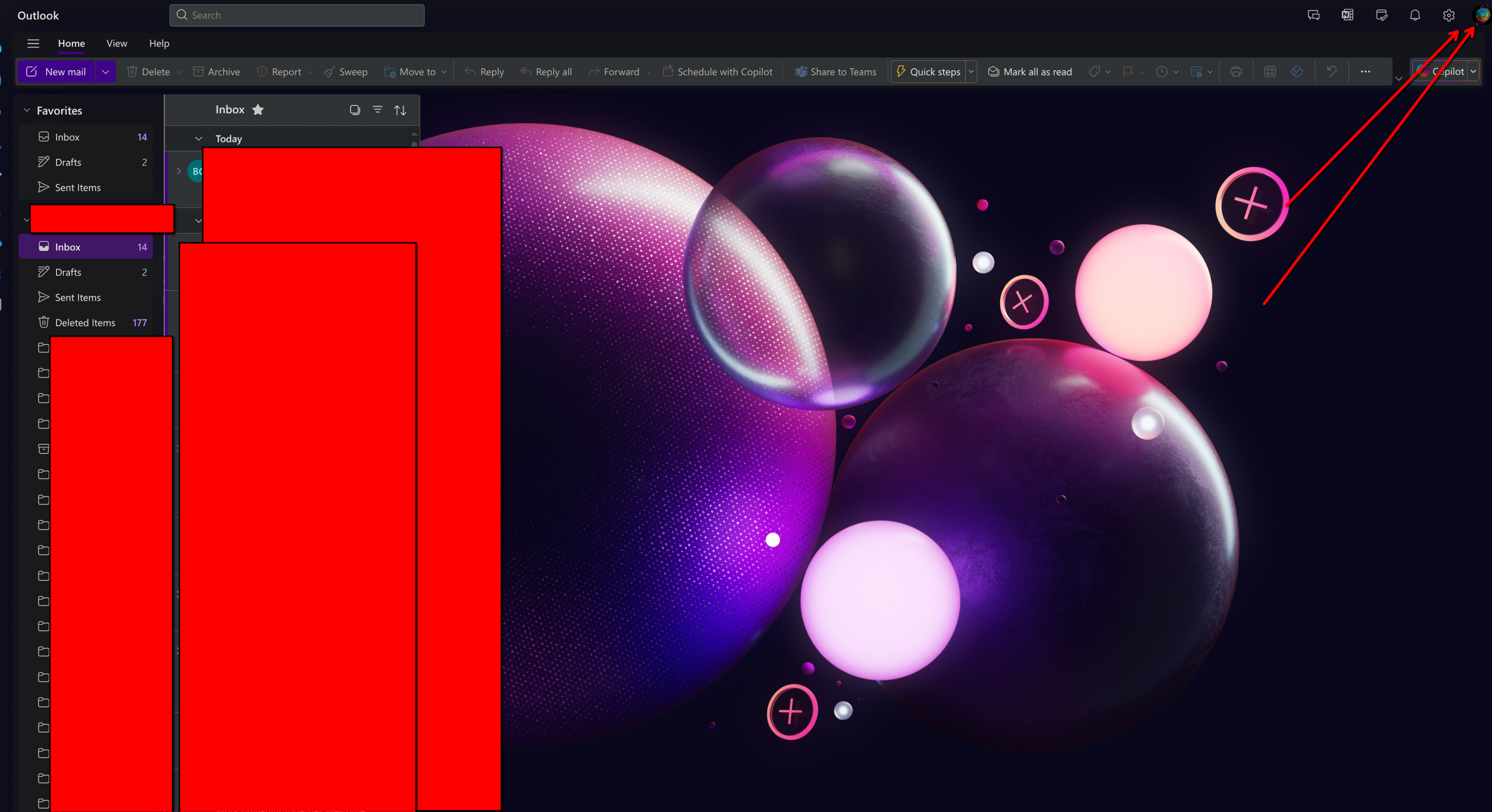
From There a window will open in the upper right, Go ahead and click on the Open another Mailbox link as shown below
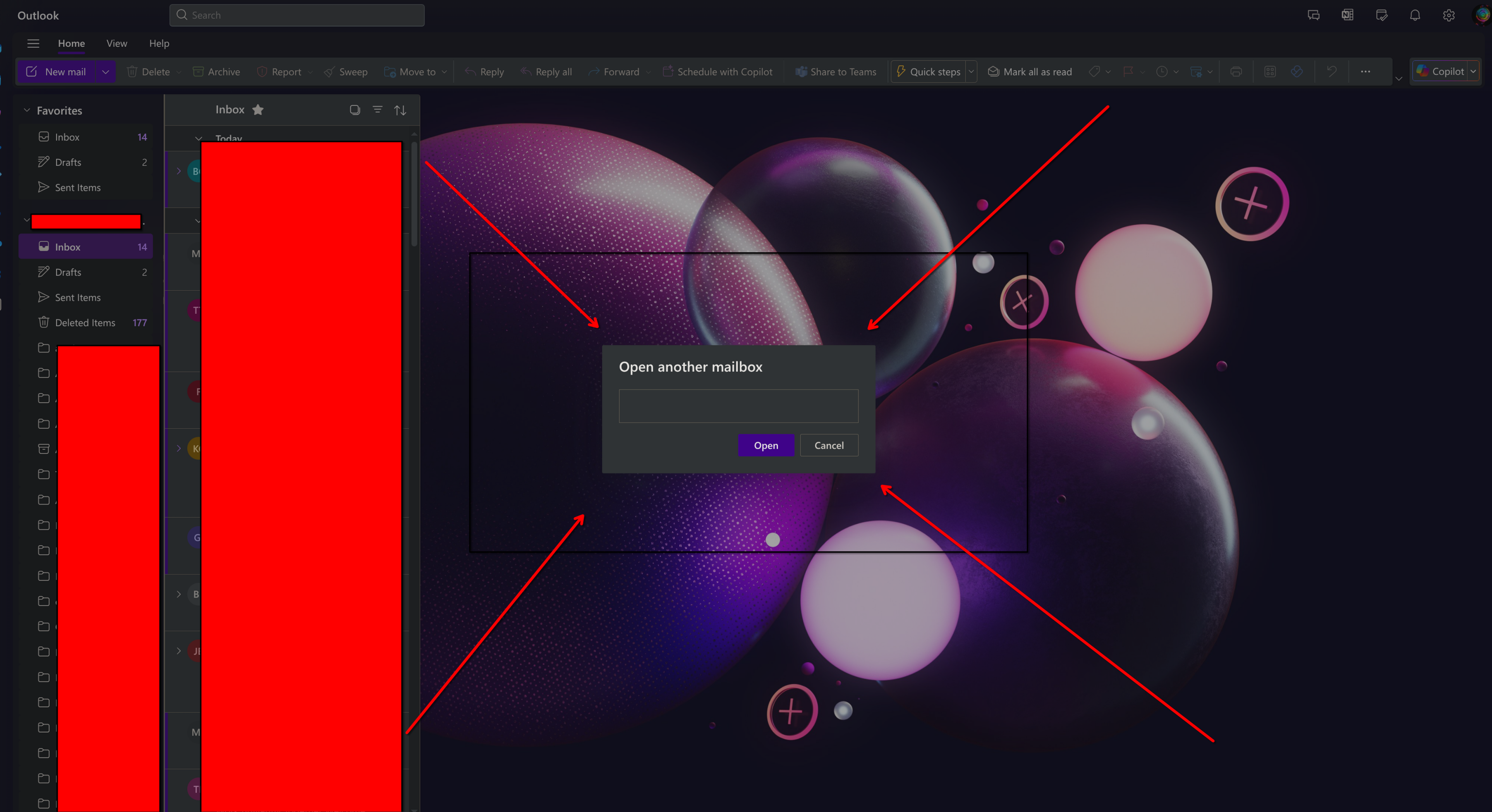
a window will pop up, Enter in the full email address of the shared mailbox you're trying to open.
Once you have done that click on open
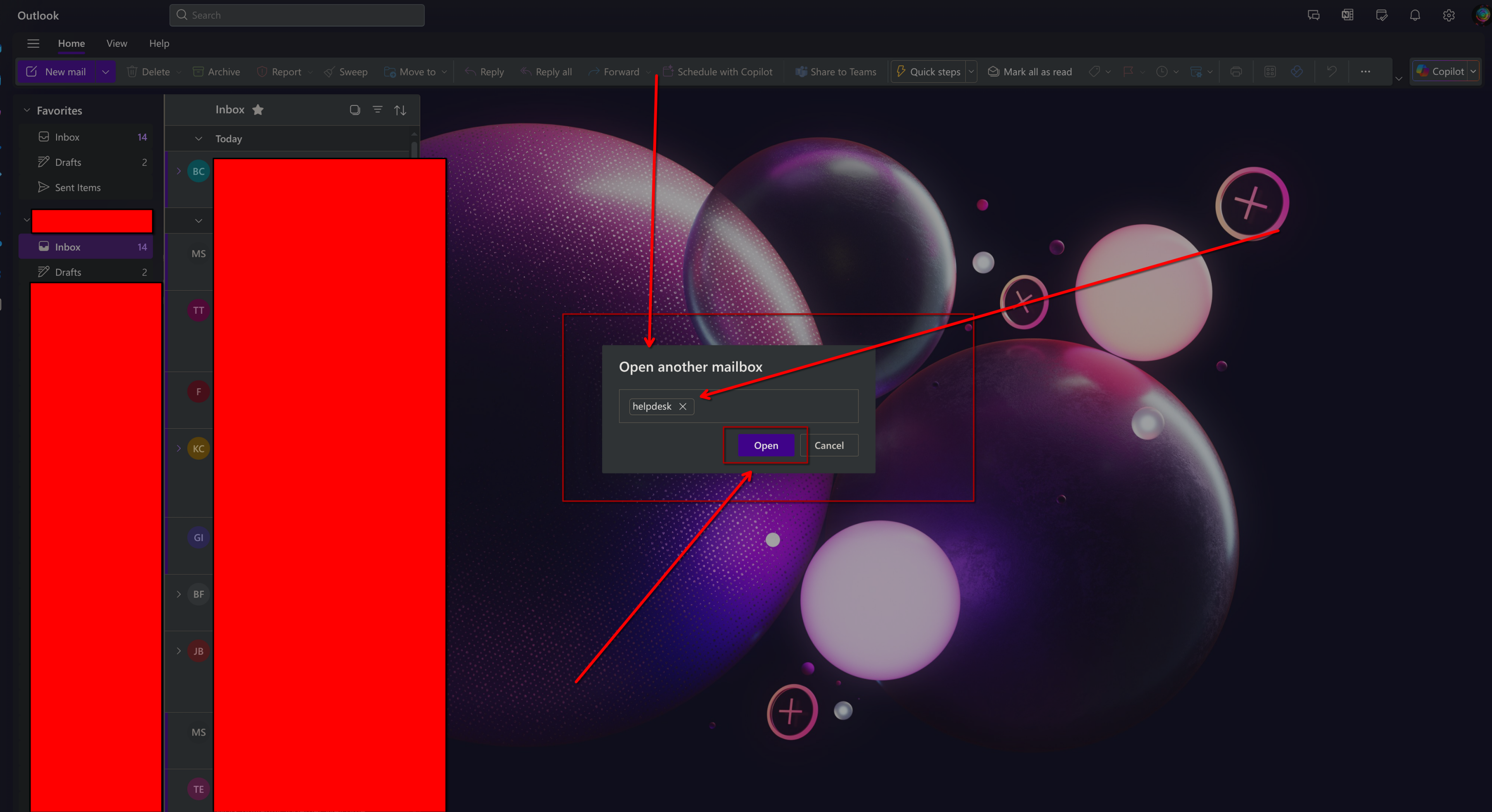
A new tap will open similar to the one shown below, You will have full access to all emails contained within.