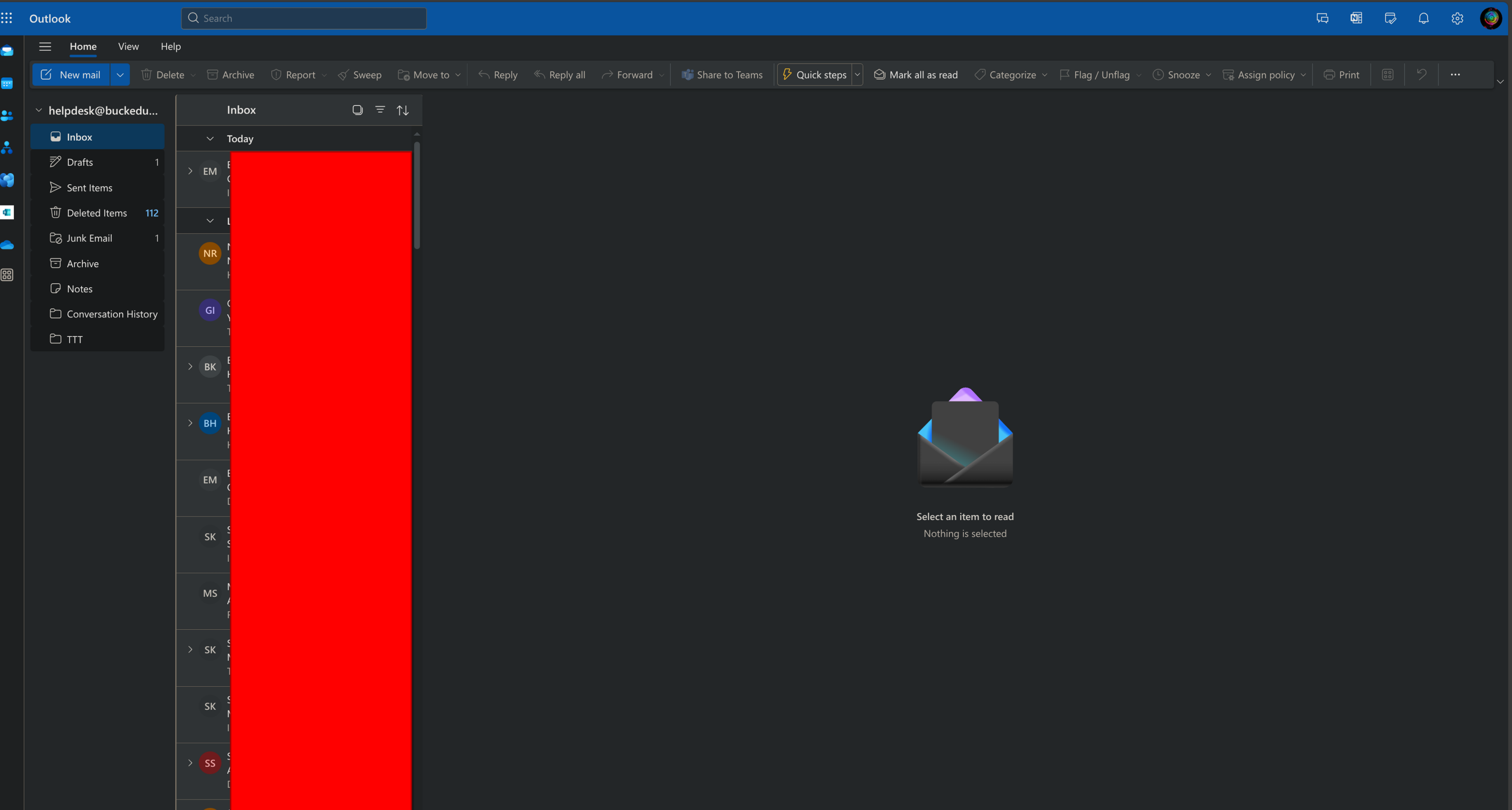
How to Access a shared Mailbox Outlook Online
Things to Know
- This is written for outlook.office.com steps are similar for outlook for desktop but they're
not the same - This is written for outlook.office.com steps are similar for outlook for desktop but they're
not the same
Getting Started
- go to outlook.office.com
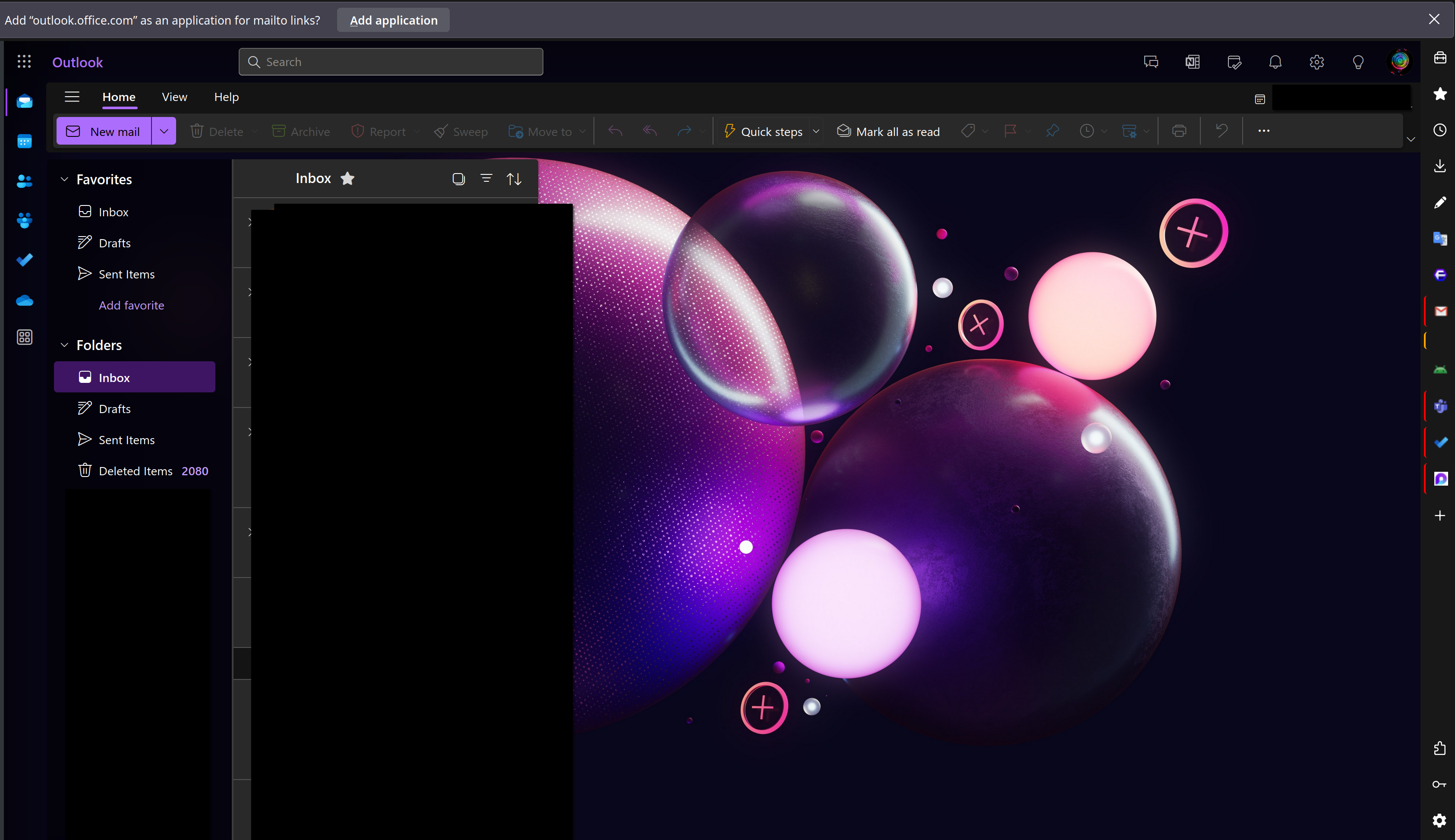
should show similarly to the image shown below
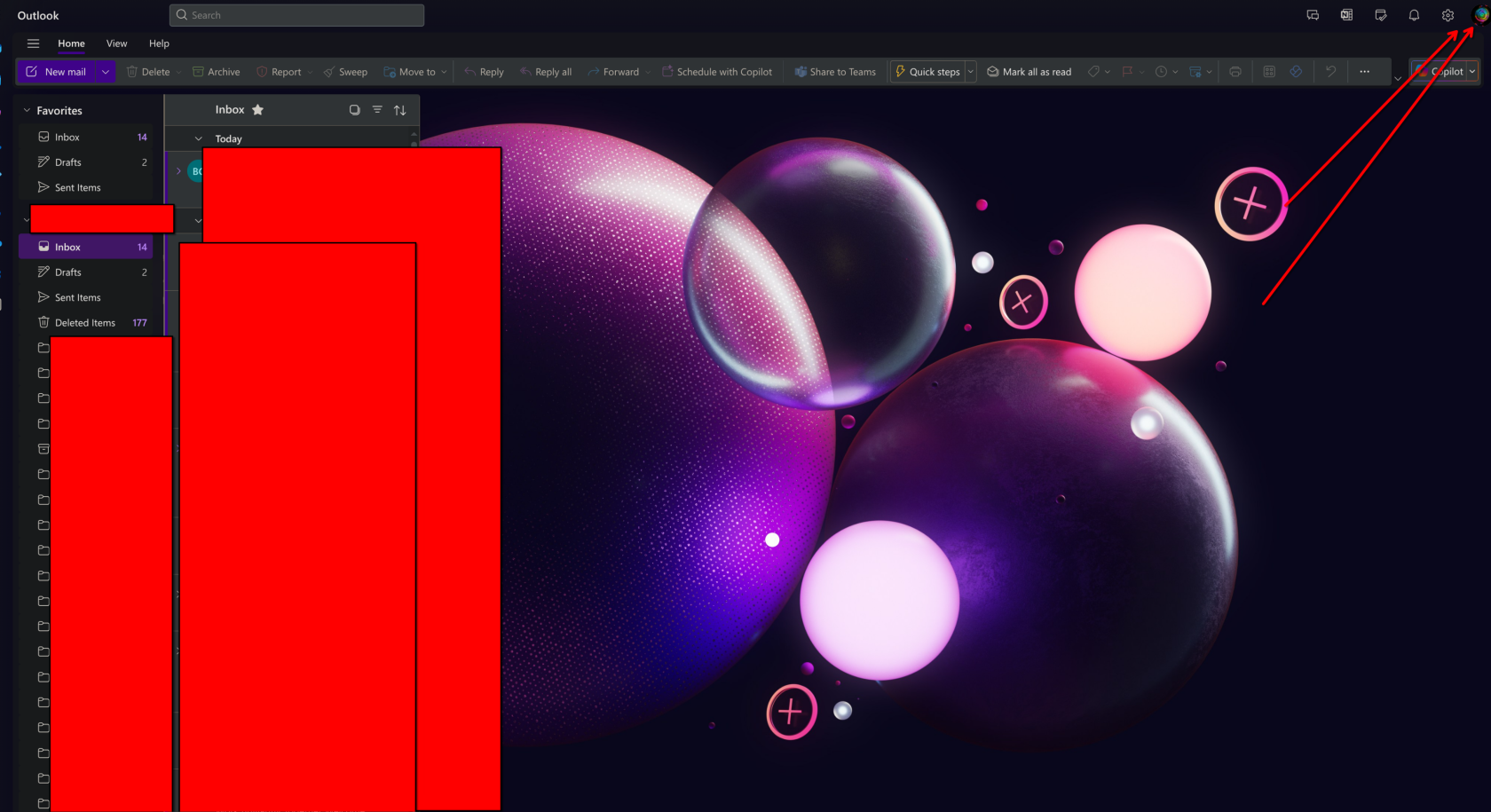
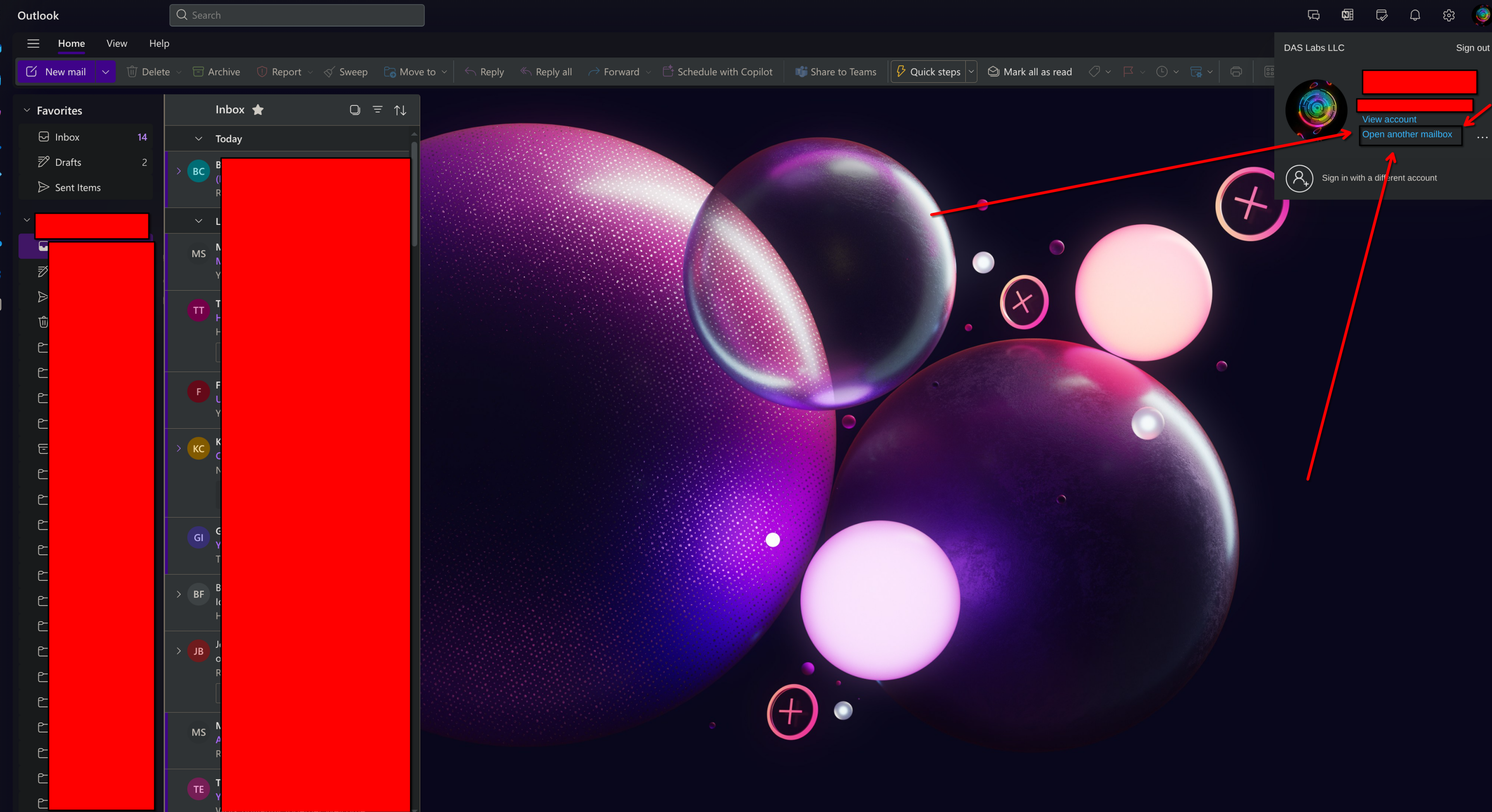
- In the upper right corner click on the User icon
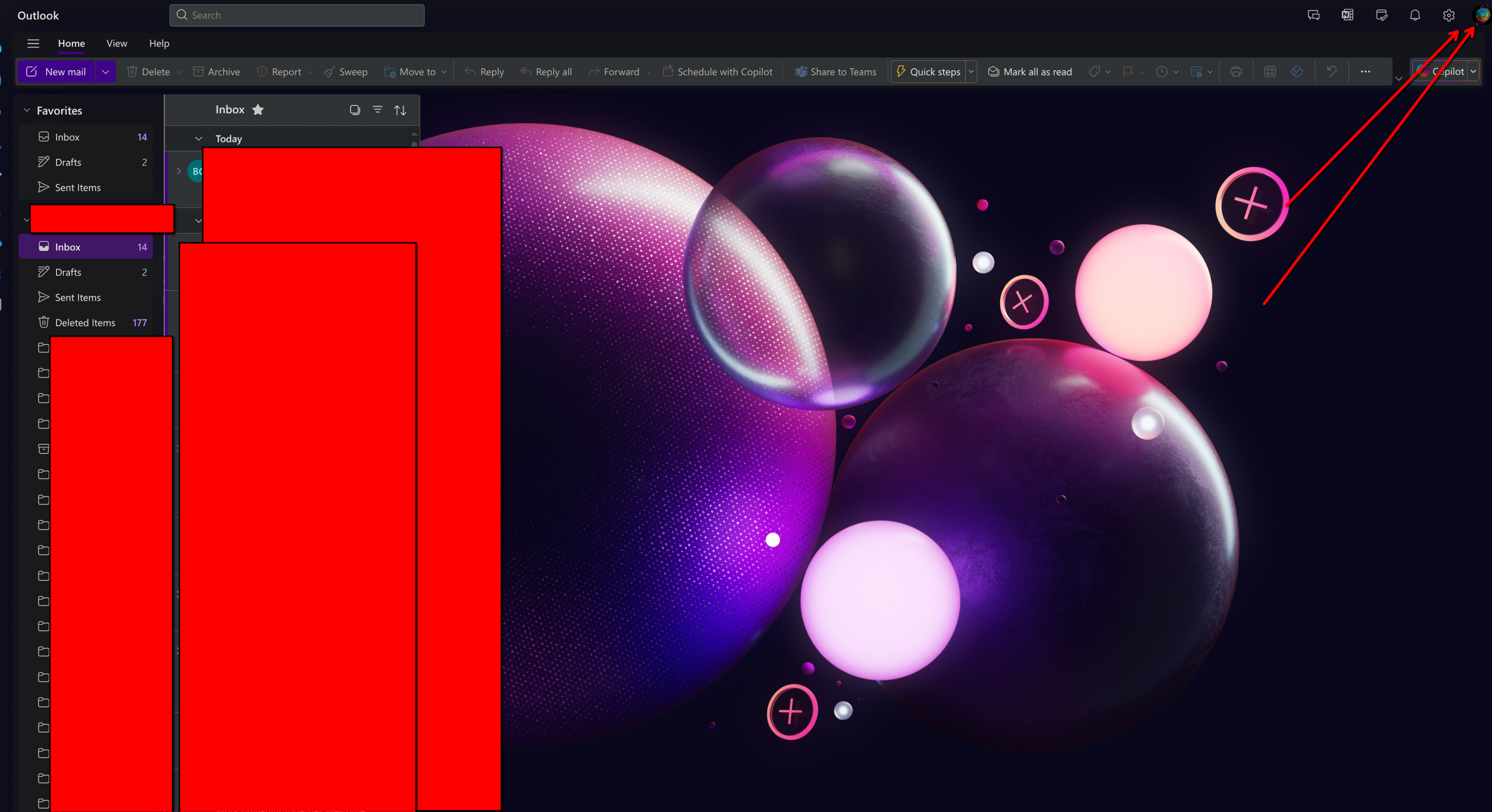
From There a window will open in the upper right, Go ahead and click on the Open another Mailbox link as shown below
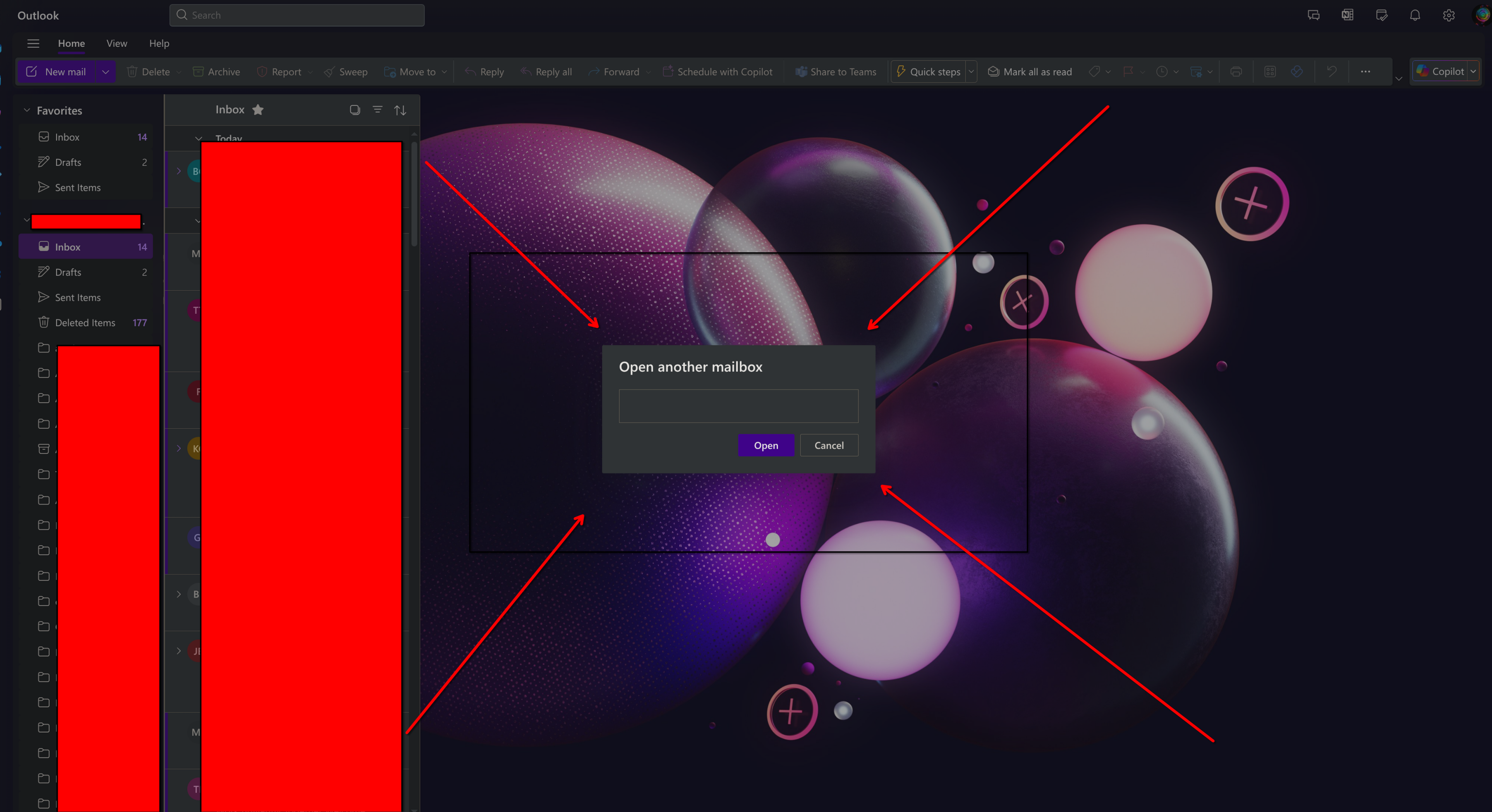
a window will pop up, Enter in the full email address of the shared mailbox you're trying to open.
Once you have done that click on open
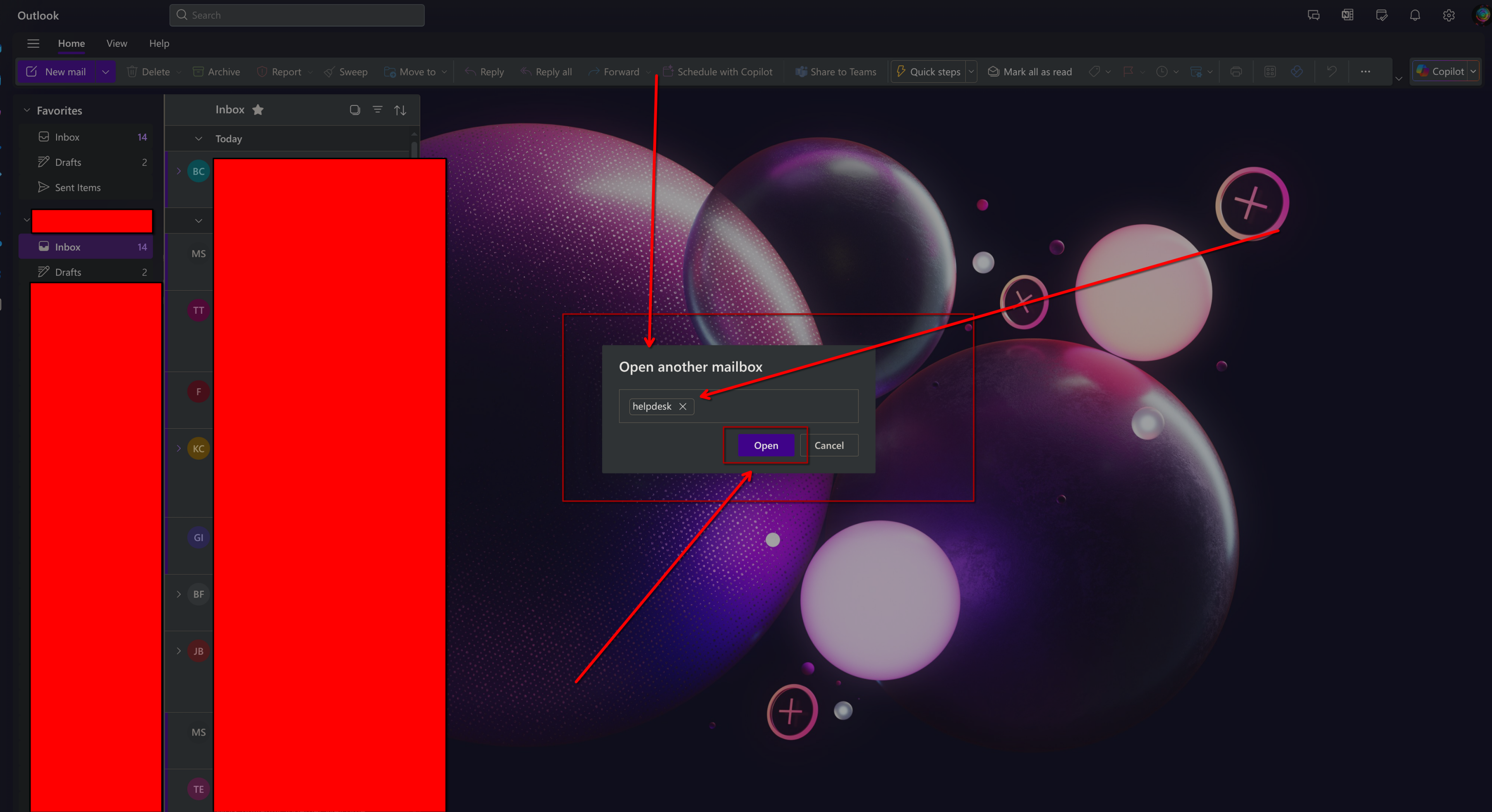
A new tap will open similar to the one shown below, You will have full access to all emails contained within.